The account is registered
Create it first on the developer registration page and make sure you can sign in.
How to activate UnlockTool
New activation is for a registered account that has never held an UnlockTool licence. Choose 90, 180 or 360 days, enter the account email and username, and the licence is usually delivered in 5–15 minutes.
Before you order
Create it first on the developer registration page and make sure you can sign in.
An account with an expired earlier licence is not new — it needs renewal.
The order page asks for both, exactly as registered.
If it held a licence at any time — even one that has expired — use renewal instead. Open renewal →
New activation plans
10% off every UnlockTool licence Delivery usually takes 5–15 minutes.
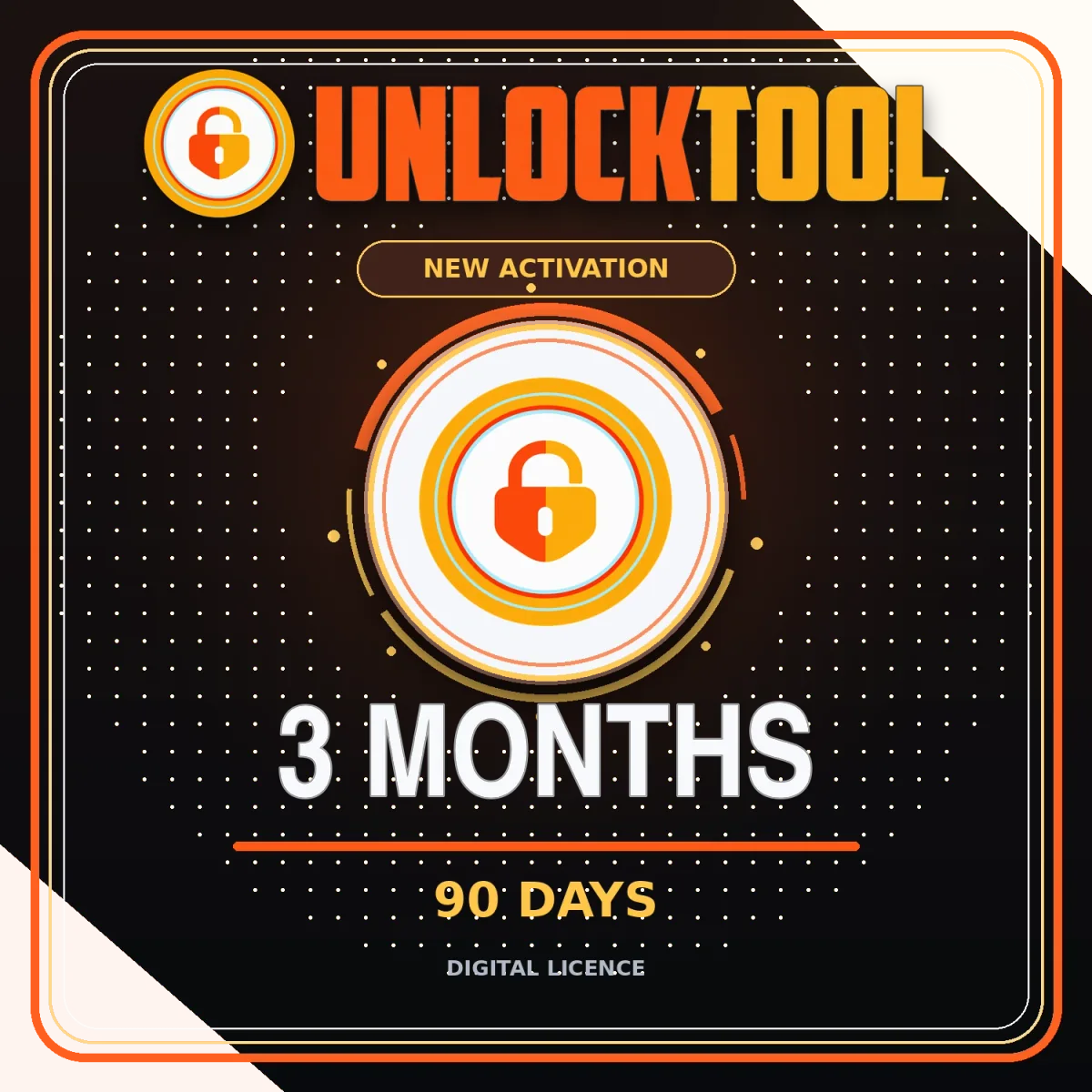
Official UnlockTool Service · Official Reseller
A short-term option for a registered username with no previous activation.
$20$18 USD10% OFF
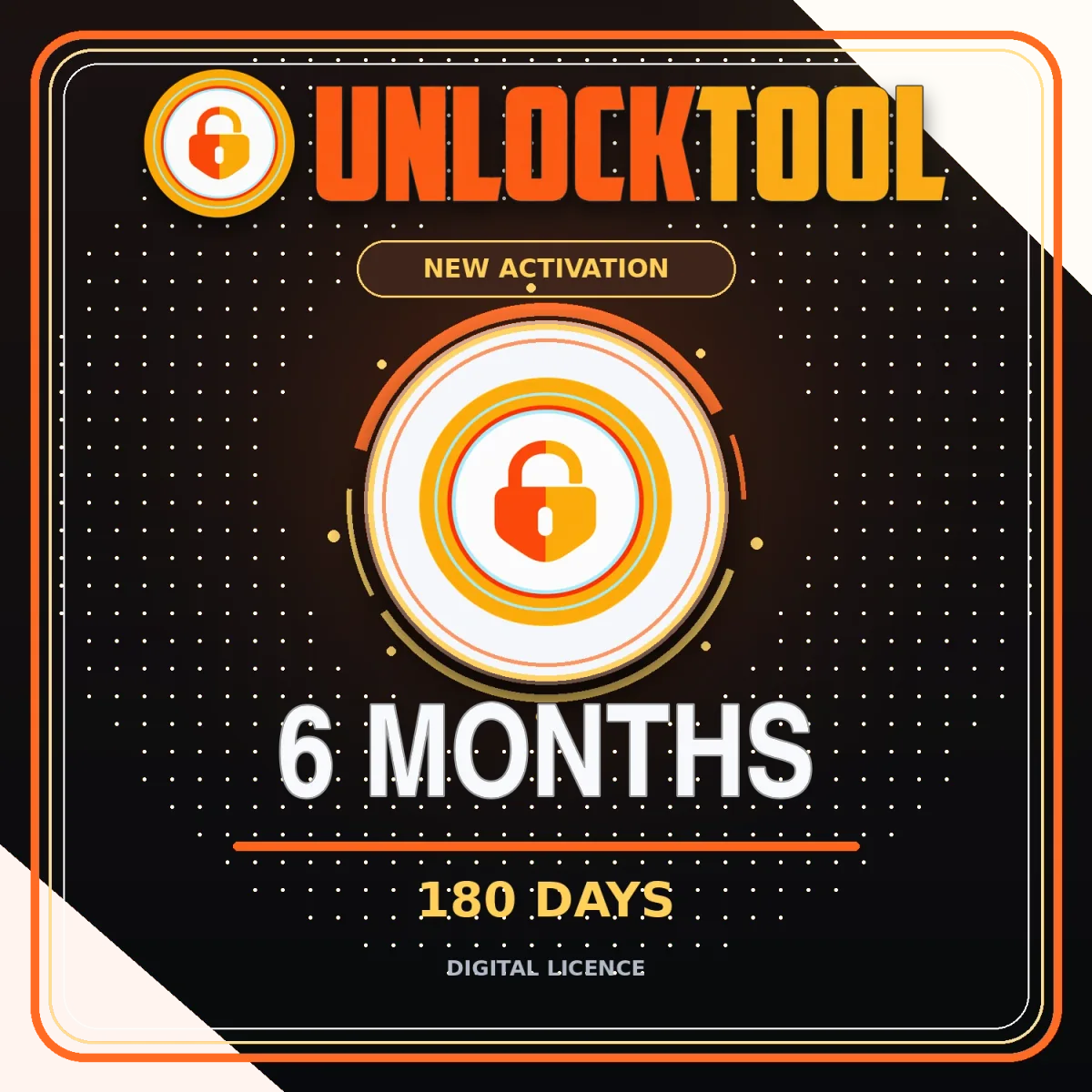
Official UnlockTool Service · Official Reseller
A balanced access period for a registered username with no previous activation.
$30$27 USD10% OFF
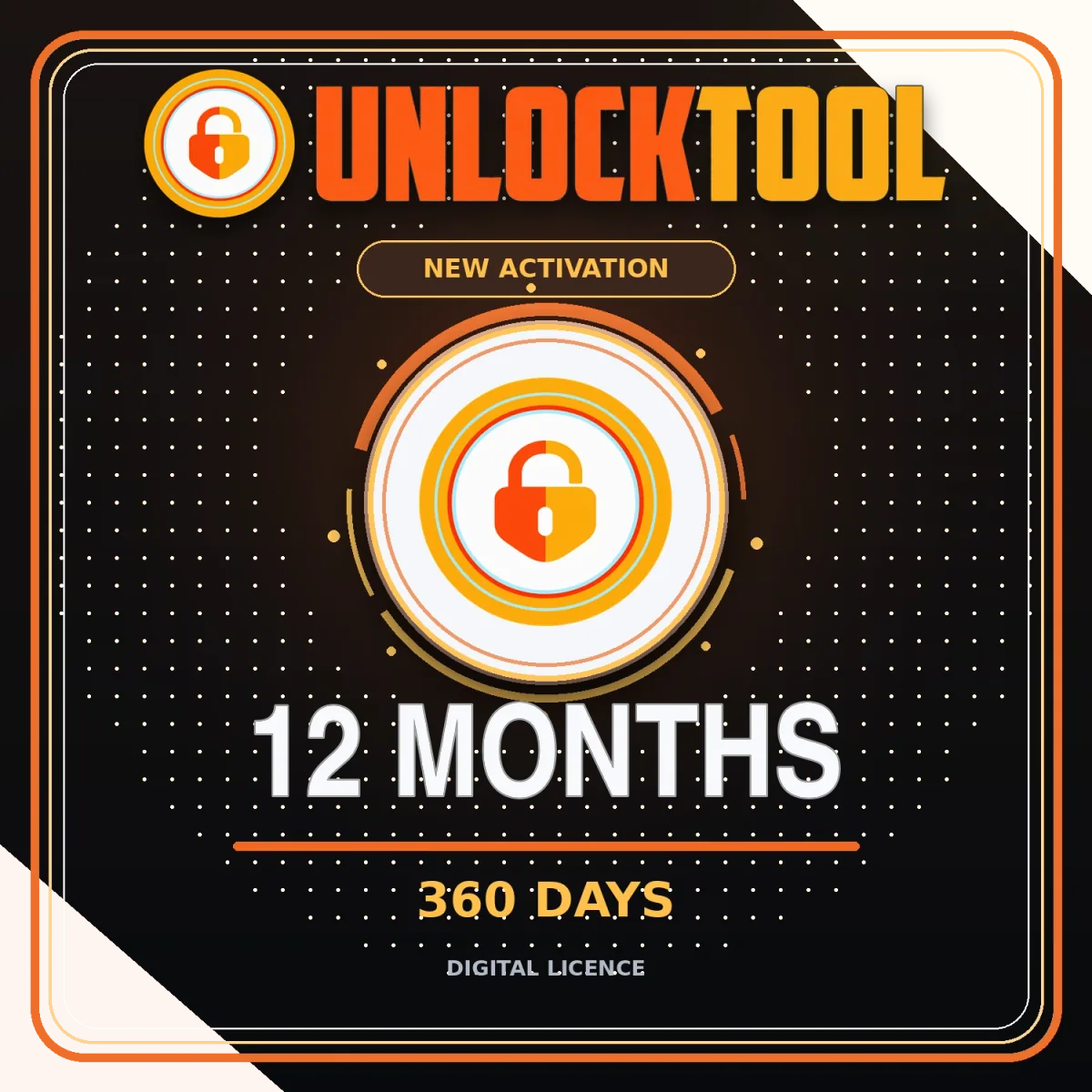
Official UnlockTool Service · Official Reseller
The longest listed period for a registered username with no previous activation.
$50$45 USD10% OFF
Step by step
On the developer site, with an email you control.
Fix any login problem before ordering.
Check the product says new activation and the right number of days.
Exactly as registered. One wrong character can send the licence to another account.
Check the final total and save the confirmation.
After 5–15 minutes, sign in and confirm the licence period.
FAQ
UnlockTool costs 3 months $18, 6 months $27, 12 months $45 USD. New activation and renewal cost the same.
Usually 5–15 minutes after payment.
The email and the username of your UnlockTool account, exactly as registered on unlocktool.net.
No. The period only sets how long the licence lasts. Check device support separately.